
Player for Nebula, a native Mac app for watching Nebula
Written on
I made a Mac app for Nebula, the streaming service a lot of YouTube creators put their videos on. It’s called Player for Nebula. It’s free and open source, the code is up on Github. You log in with your own Nebula account, and then you can browse, watch videos, and listen to podcasts in a native app instead of a browser tab.
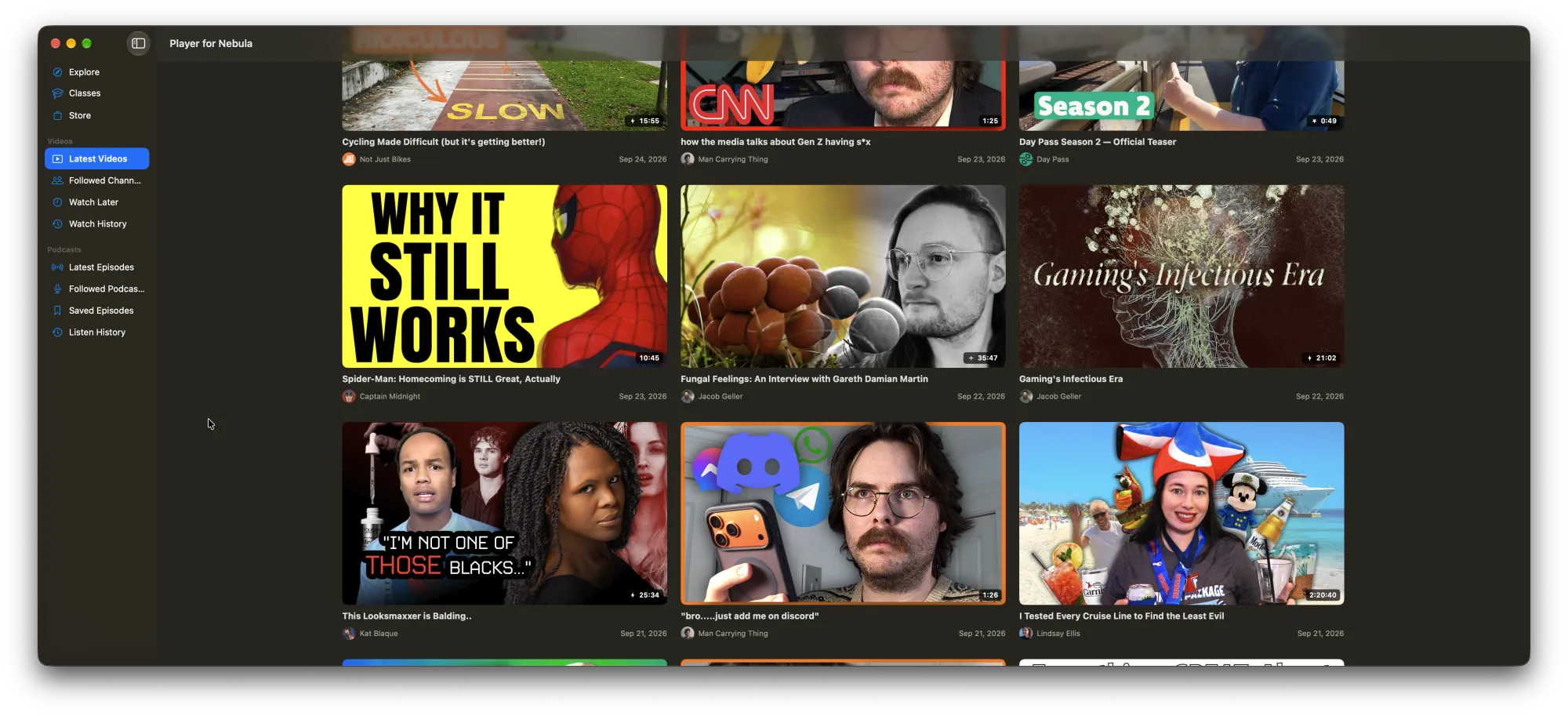
I’ve been using Chrome for a while, and I decided to give Safari a try again. Everything was fine until I opened Nebula and none of the videos would play. So I wondered, perhaps a little foolishly, if I could reverse engineer how the Nebula website works and just build my own player.
I started with the login, poking around the browser dev tools. When you log in on the website, Nebula sets a cookie holding an API key. That key isn’t what the website sends with its requests though. The website trades the key for a short lived JWT at https://users.api.nebula.app/api/v1/authorization/, then sends that JWT along with every call to the content API. When the JWT is about to expire, it grabs a new one with the same key.
So in the app, the login screen is a web view that shows the regular Nebula login page. After you log in, the app pulls the API key out of the cookie and does the same thing the website does: trade the key for a JWT, check the expiry inside it, and refresh it a minute before it runs out. If a request gets a 401 or 403 back, the app tries once more with a fresh token, and if that fails too it signs you out. I didn’t have to deal with the password or any login forms myself, because it’s all Nebula’s own page doing the work. The app doesn’t get around any security measures either, it’s making the same requests your browser would.
For the rest of the APIs I used Claude in Chrome, which lets Claude drive a browser tab. It browsed around the Nebula website, clicked through the pages, and watched which requests went out and what came back. From that it wrote up a map of the endpoints: the latest videos from channels you follow, channel pages, watch later, watch history, follow and unfollow, saving your progress, podcasts, and so on. Almost all of it lives under content.api.nebula.app. The API is straightforward and well built, which made the rest of the work much easier.
Then I built the app with Claude Code. Claude wrote most of the code, but it wasn’t a one shot thing. I directed it the whole way: what the app should do, how it should be laid out, and how each screen should look. I also designed the logo myself. The app is Swift 6 and SwiftUI, targeting macOS 26. The Xcode project is generated with XcodeGen so the project file isn’t checked in, and there’s a justfile so just run builds and launches the whole thing. I like not having a giant .xcodeproj in the repo that nobody can review.
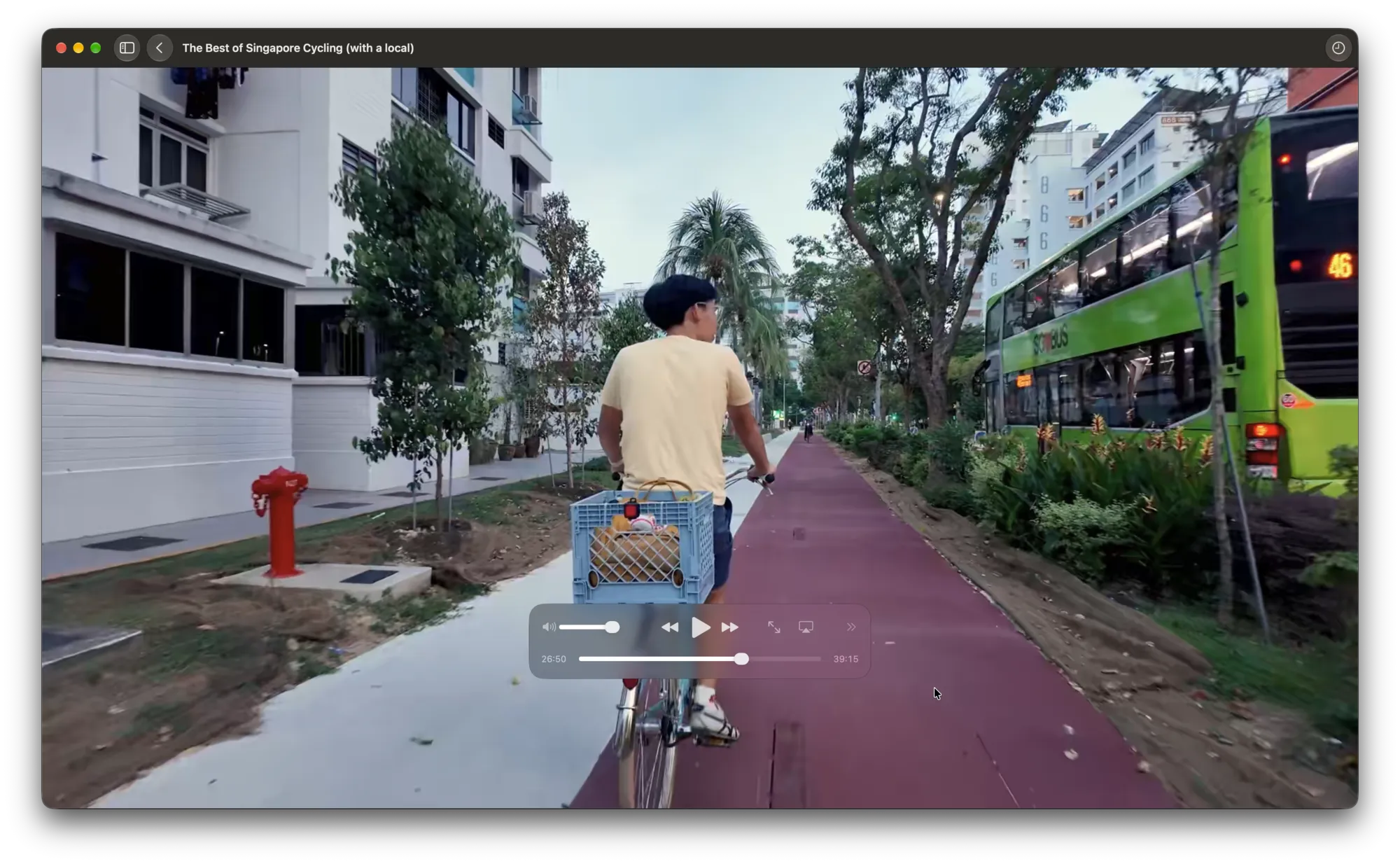
Video playback turned out to be the easy part. Nebula serves its videos as HLS, so the app asks for the manifest.m3u8 of the episode and hands that URL to AVPlayer. You get the regular macOS video player with all the native controls. One snag though: SwiftUI’s VideoPlayer kept crashing while building its view on the macOS 27 build I was running. So the app wraps AppKit’s AVPlayerView instead, which is what VideoPlayer uses under the hood anyway. The stream URLs also stop working after a while, so if playback gets a 401 or 403 in the middle of a video, the app grabs a fresh manifest and picks back up at the same spot. It also saves your progress while you watch, so you can pick up where you left off on the website or on your phone.
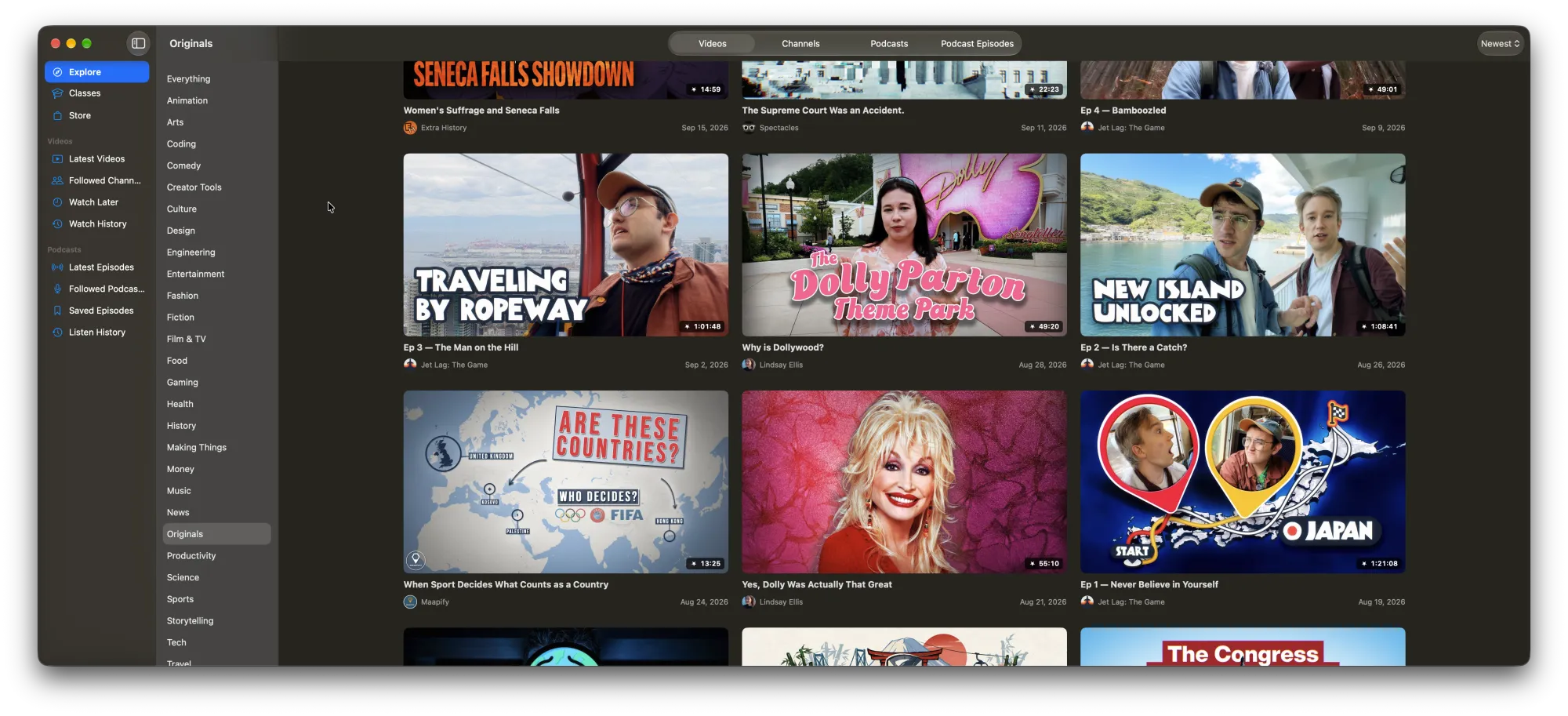
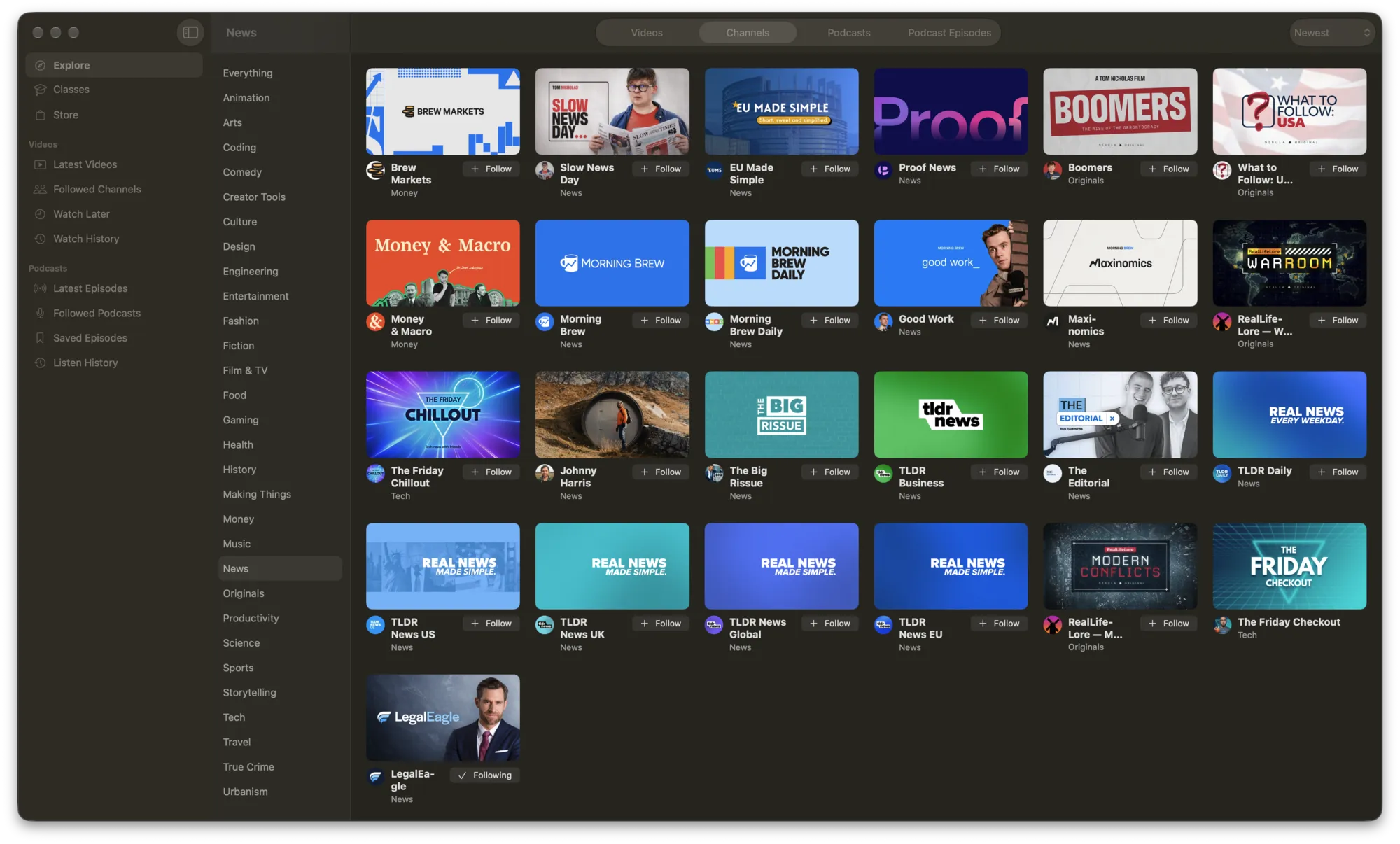
After that it was mostly adding features one at a time, and going back and forth with Claude on each one until it looked and worked the way I wanted. There’s a sidebar with tabs for your latest videos, followed channels, watch later and history, an Explore tab with categories and filters, and a podcasts section with its own set of the same tabs. Pretty much everything on the website is in there except classes, which just open in your browser.
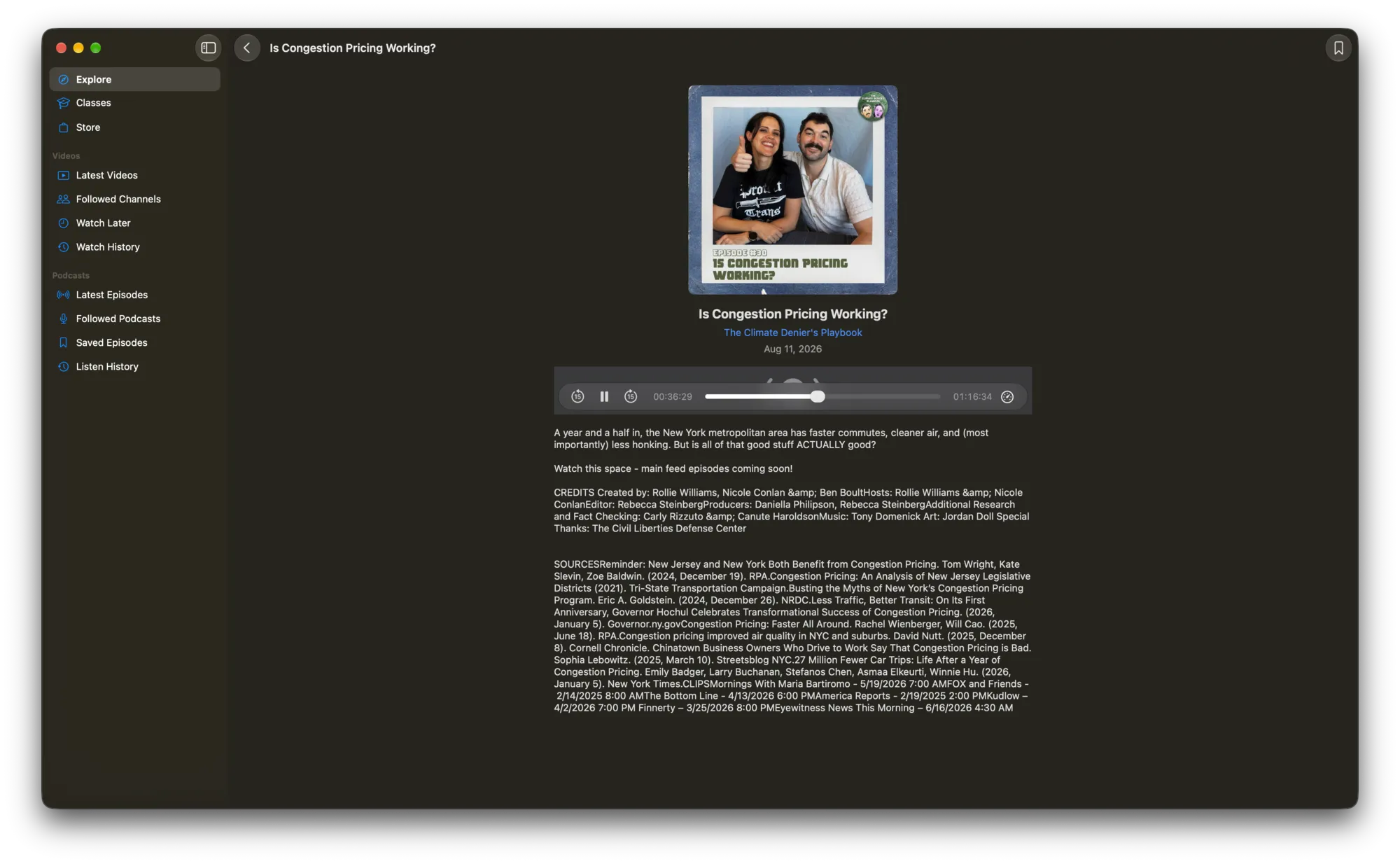
The release builds are signed and notarized, so macOS won’t yell at you when you open it. It also checks Github once a day for a new release, and if there is one it downloads the DMG and opens it for you.
Naturally, later that same day, I opened Nebula in Safari again and the videos played just fine. No idea why. Maybe it was a fluke, maybe they fixed something on their end. So I didn’t really end up needing the app! But I like it anyway. It’s a lot lighter than keeping a whole web app open in a browser tab, and I like having Nebula as its own thing in the dock. I’ll keep using it and fixing it.
If you want to try it, it’s at player-for-nebula.bgenc.dev. You need a Nebula subscription, and the app isn’t affiliated with Nebula in any way. It uses their internal APIs, so it might break when they change something. If it does, file an issue and I’ll try to fix it.